
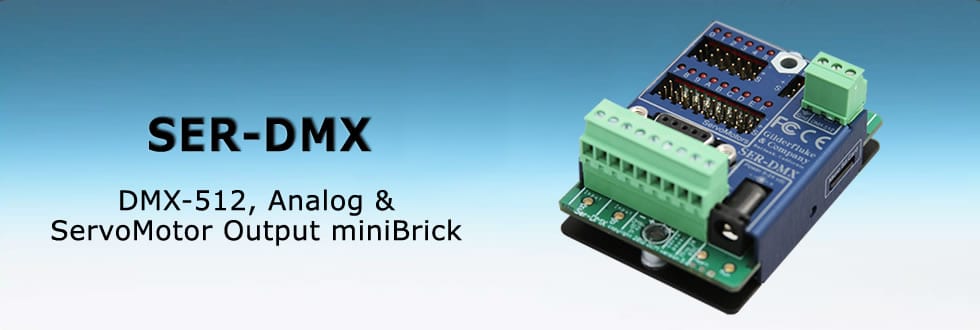

As the world leader in the field of entertainment electronics, we are the only company which can provide the entire electronic package for your project.
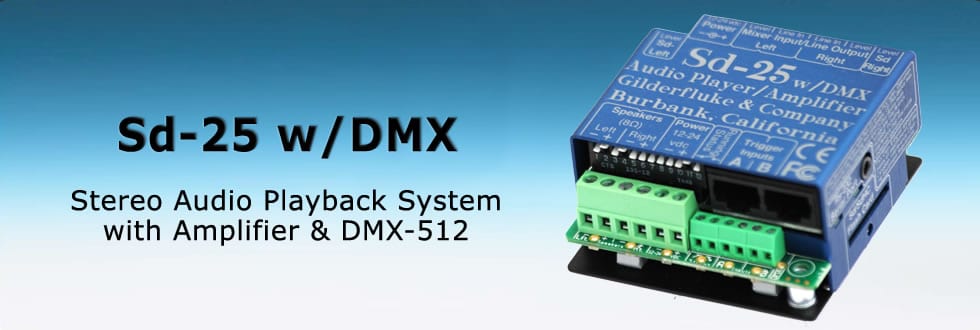
All of our systems are modular, so off-the-shelf components can be plugged together to fit any job. Animation Control Systems are available with anywhere from four to thousands of outputs. We can provide Digital Audio Playback Systems with a single audio track, or as many outputs as needed.
GilderGear Comparison Chart
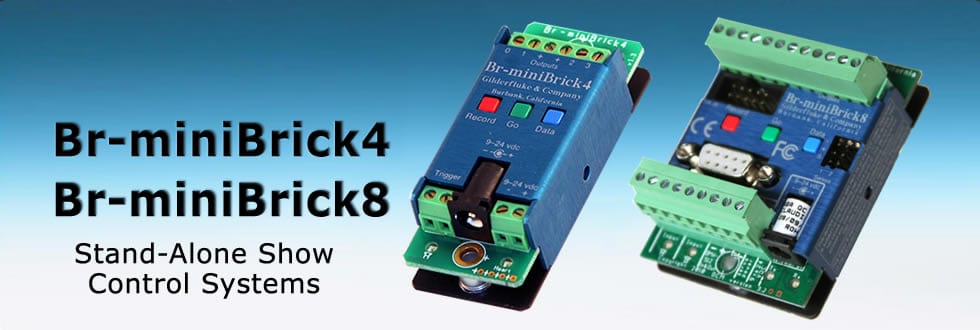
The GilderGear Comparison Chart makes it easy to compare Gilderfluke & Co. components like our MiniBrick Show Controllers and MP3 Audio Repeaters/Show Controllers.
Shop Gilderfluke Online
Gilderfluke’s online store is now open:
Gilderfluke & Co. designs and manufactures Animation Control Systems and CD-Quality Digital Audio Repeaters which are used by theme parks, museums, waterparks, miniature golf courses and other attractions throughout the world.
- Orders ship from Gilder HQ in Burbank, California
- Your credit card is “authorized only” at time of check out.
- Your credit card is charged when your order is shipped.
- By logging in and creating your account, your shopping cart will be saved and you can review your purchase
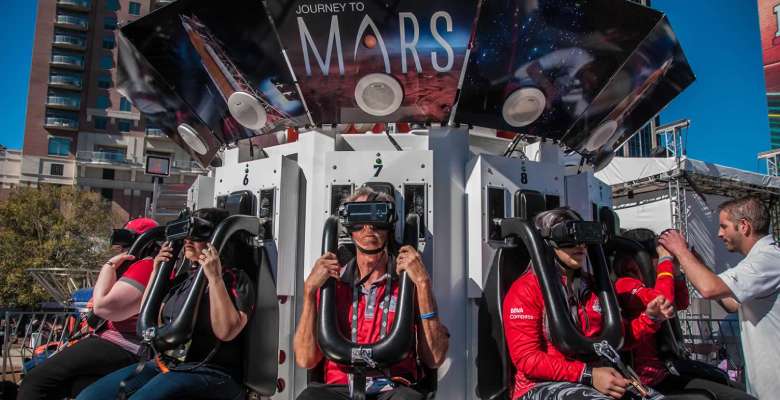
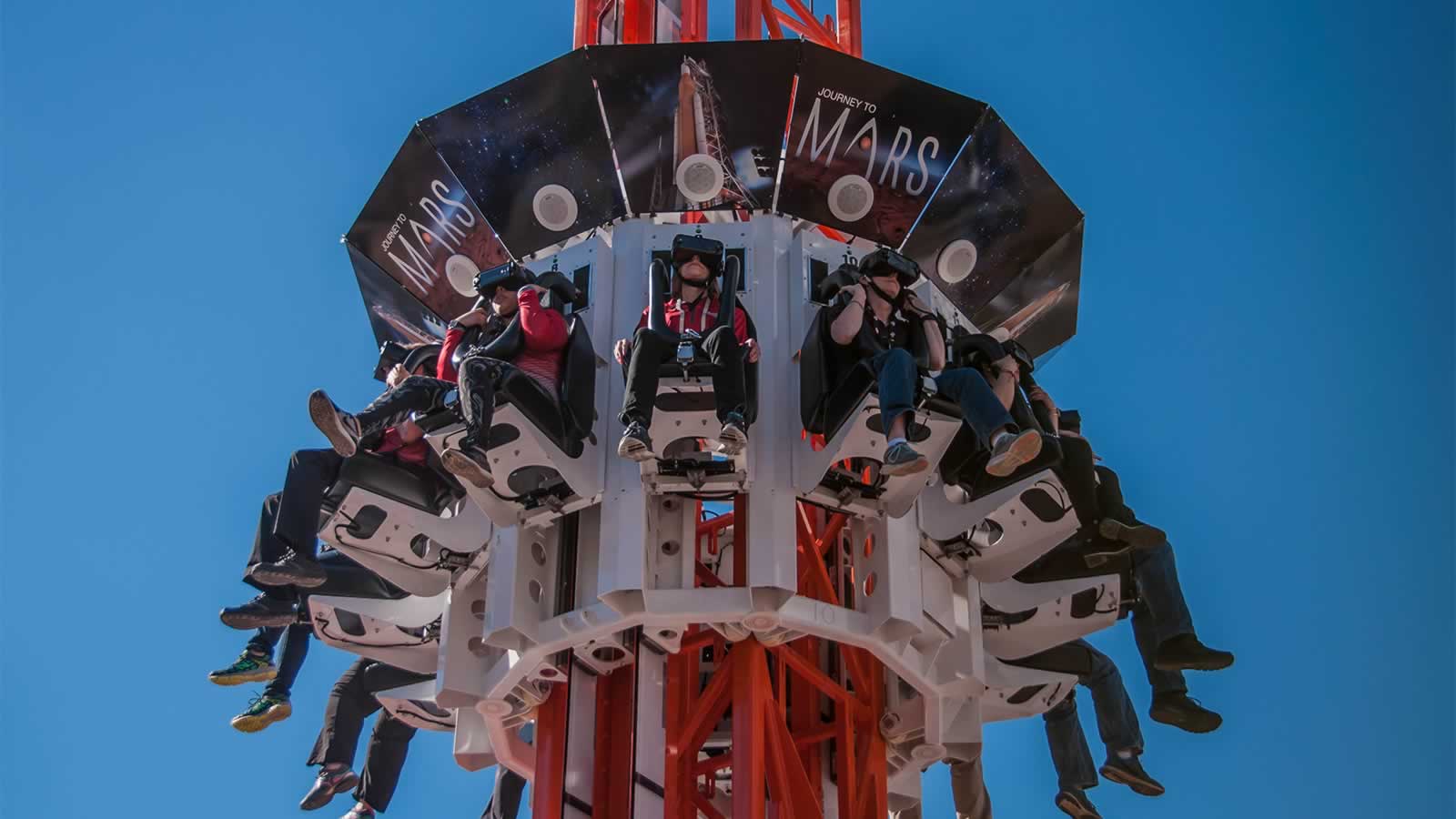
Future Flight Drop Tower “Journey to Mars” uses Amp-50s
A.R.M. was contracted to build a drop tower ride by the Houston Super Bowl host committee to be used at Discovery Green in Houston Texas for the week leading up to the 2017 Super Bowl LI. They partnered with NASA to make it a virtual reality trip to Mars using Samsung Galaxy S7 phones and Samsung Gear VR goggles.
The audio that the Patrons hear during the ride is coming from 12 Bose speakers that are installed on the vehicle. In 1 box there is a Galaxy S7 phone connected to a 3.5mm to RCA aux cable which is the audio input to the Amp-50s , and a charger for the phone connected to one of the 12 volt batteries on the vehicle. In a separate box are 6 Amp-50s jumping all the audio inputs together with Y adapters to the single 3.5mm to rca aux cable going to the phone, then the speakers are connected to the amps. The audio and VR video on the phones is triggered through a closed wireless network by a raspberry pi 3 computer.




Design concept by IDEAS in Orlando, Florida — ideasorlando.com
Fabrication by A.R.M. in Wintersville, Ohio — armrides.com
Software interface by HD Interactive in Tampa, Florida — hdinteractive.com
Photographs by Michael Galindo of Chicago Now/Cosmic Chicago – chicagonow.com/cosmic-chicago